Build Custom
Blocks for WordPress
Use Lazy Blocks plugin to rapidly build custom blocks
without ever leaving your WordPress editor
Start in1...2...3...
Name the block, add its fields, write the output. No React, no build step.
1. Configure Block
Name it, pick an icon and a category, and choose where editors can use it
2. Add Block Controls
Around thirty controls, from a plain text field to galleries and repeaters
3. Write Block Output
Write HTML with Handlebars, or PHP when the block has to run a query
Controls for Custom Blocks
Around thirty controls, from text fields and toggles to galleries, repeaters and inner blocks.
Read More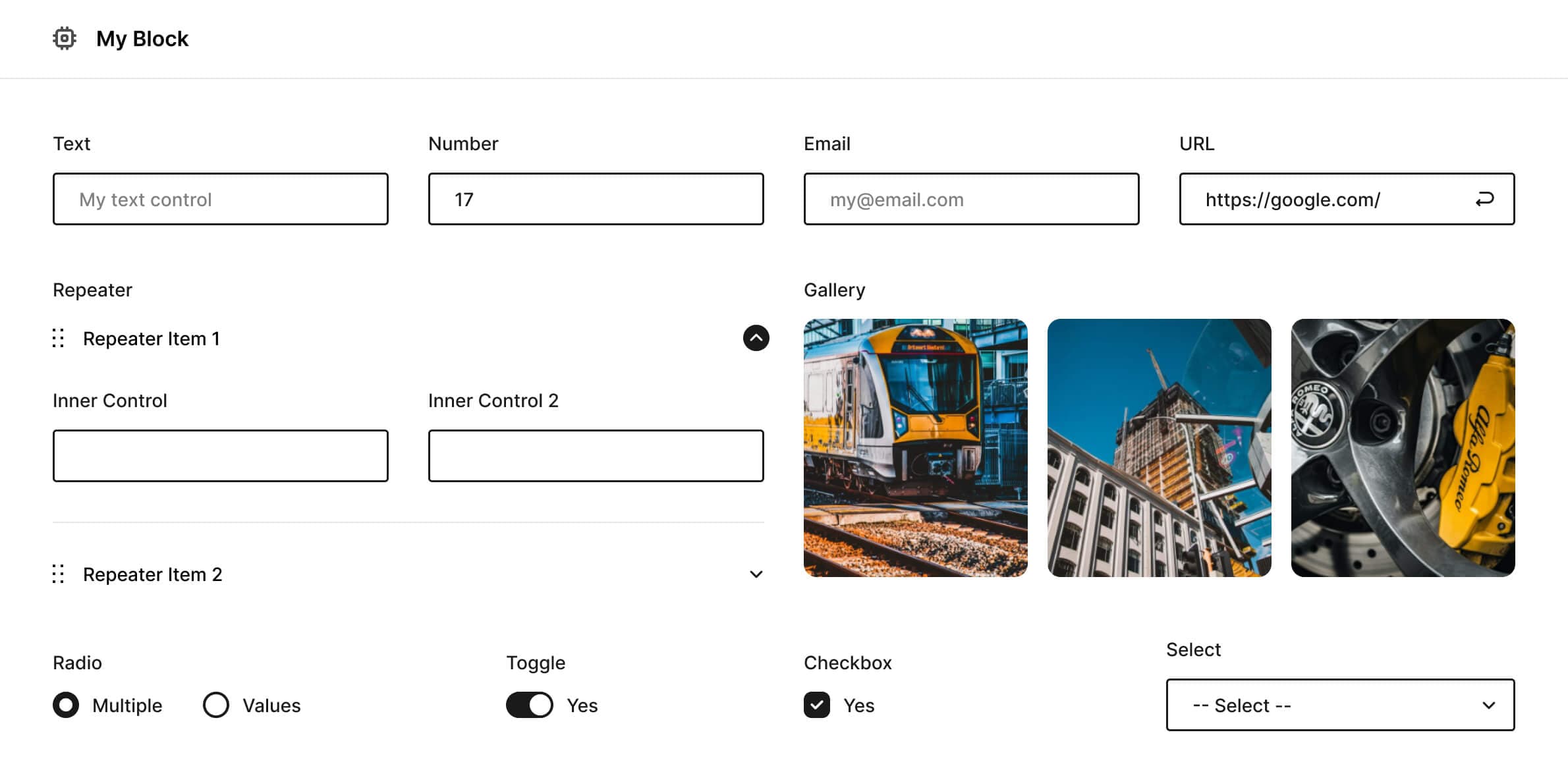
Made for Developers
Register blocks in PHP, add controls of your own, and render them from template files in your theme.
Read More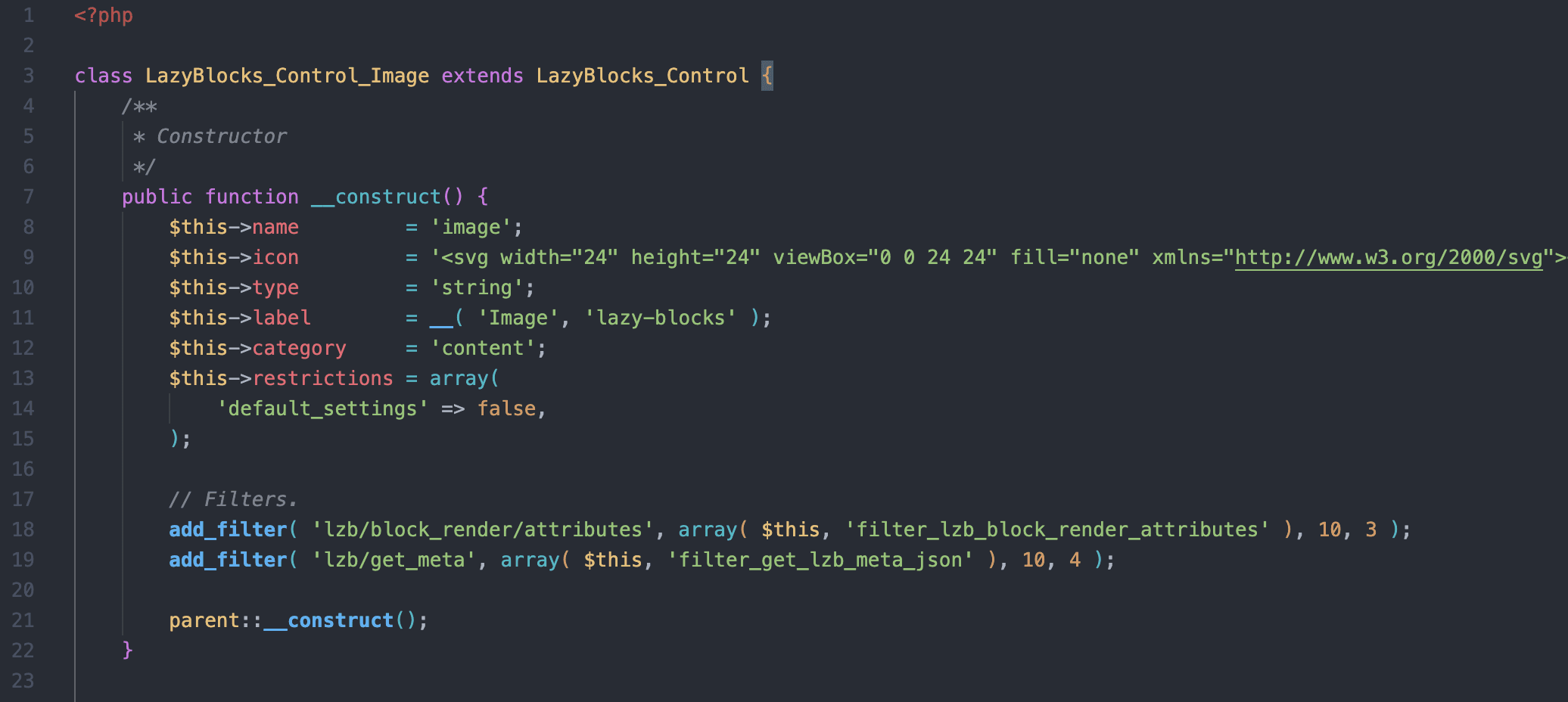
Core Features
Everything the free plugin does.
- Custom ControlsBuild your own control type when the built-in set does not cover what a block needs.
- Custom Blocks Inside Your ThemeLocate custom blocks registration and output code in your installed theme folder.
- PHP and HandlebarsUse simple HTML or advanced PHP output for custom blocks.
- Save in MetaSaved block data will be available in post meta and you will be able to use it in your theme code.
- Controls in Editor and InspectorDisplay your block controls in Inspector sidebar or in the editor content zone.
- Restrictions for Certain PostsRestrict custom blocks for certain post types only.
- WPML SupportLazy Blocks adds a new layer of compatibility for multilingual sites. All text controls are ready for translation.
- Export Blocks to PHP/JSONExport block data to reuse it later on different sites or place it in your theme or plugin code.
- PHP and JS HooksDeveloper-friendly Actions and Filters for custom extensions.
Testimonials
More of them on the WordPress.org plugin page.