PHP
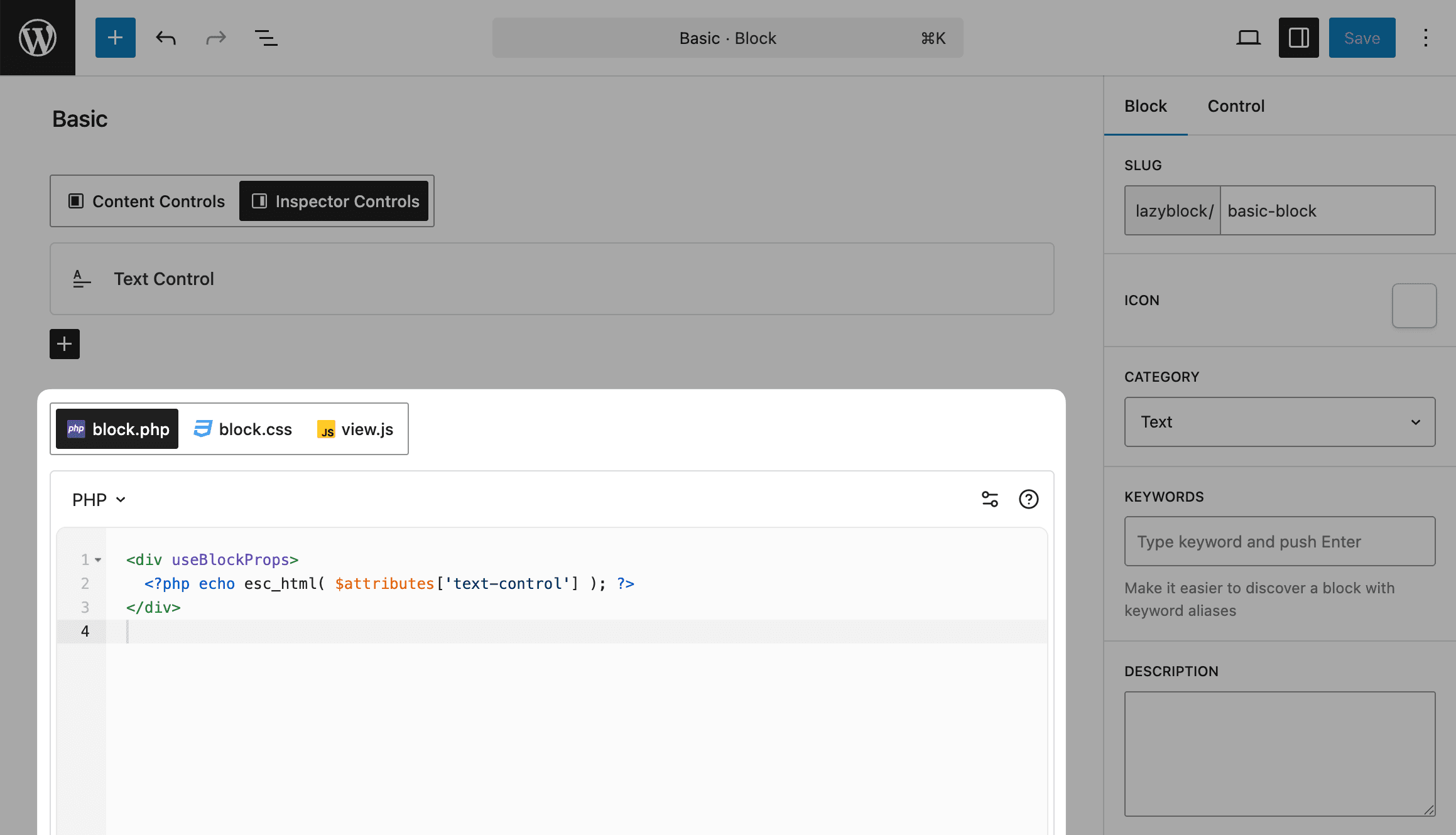
PHP output method gives you full access to WordPress functions and PHP features while rendering your block content.
Basic Usage
Access block controls through the $attributes array:
<?php if ($attributes['show_title']) : ?>
    <h2><?php echo esc_html($attributes['title']); ?></h2>
<?php endif; ?>
Block Context
The $context variable holds the block context the block receives, or null when it receives none. A block receives only the context keys it lists in uses_context, so a block placed inside a Query Loop gets the loop's postId and postType only after it asks for them.
The block builder has no field for uses_context. Add it with the lzb/register_block_type_data filter:
add_filter( 'lzb/register_block_type_data', function ( $data, $block ) {
    if ( 'lazyblock/post-card' === $block['slug'] ) {
        $data['uses_context'] = array( 'postId', 'postType' );
    }

    return $data;
}, 10, 2 );
Then read the keys in the block code. Inside a Query Loop, postId is the post of the current loop item. The editor preview can render without the context, so give each key a fallback:
<?php $post_id = $context['postId'] ?? get_the_ID(); ?>
<h3><?php echo esc_html( get_the_title( $post_id ) ); ?></h3>
With Lazy Blocks Pro, Relationships pass a parent block's values to its inner blocks through the same $context variable.
Common Examples
Working with Images
<?php
if (isset($attributes['image']['url'])) :
    $image_url = esc_url($attributes['image']['url']);
    $image_alt = esc_attr($attributes['image']['alt']);
    ?>
    <img src="<?php echo $image_url; ?>"
         alt="<?php echo $image_alt; ?>"
         class="featured-image">
<?php endif; ?>
Repeater Fields
<?php if (isset($attributes['items']) && is_array($attributes['items'])) : ?>
    <ul class="items-list">
        <?php foreach ($attributes['items'] as $item) : ?>
            <li class="item">
                <?php echo esc_html($item['title']); ?>
                <p><?php echo wp_kses_post($item['description']); ?></p>
            </li>
        <?php endforeach; ?>
    </ul>
<?php endif; ?>
Using WordPress Functions
<?php
// Get related posts
$related = get_posts([
    'category__in' => wp_get_post_categories(get_the_ID()),
    'numberposts'  => $attributes['posts_count'],
    'post__not_in' => [get_the_ID()]
]);

if ($related) : ?>
    <div class="related-posts">
        <h3><?php esc_html_e('Related Posts', 'your-textdomain'); ?></h3>
        <ul>
            <?php foreach ($related as $post) : ?>
                <li>
                    <a href="<?php echo esc_url(get_permalink($post->ID)); ?>">
                        <?php echo esc_html($post->post_title); ?>
                    </a>
                </li>
            <?php endforeach; ?>
        </ul>
    </div>
<?php endif; ?>
Always use proper escaping functions:
esc_html()for text contentesc_attr()for HTML attributesesc_url()for URLswp_kses_post()for HTML content