Number
Number control allows you to add numeric input fields with optional minimum, maximum, and step values.
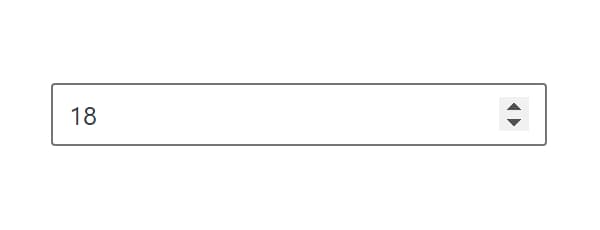
Control Settings
- Minimum Value (
min) - lowest number the field accepts - Maximum Value (
max) - highest number the field accepts - Step Size (
step) - how far one press of an arrow moves the value - Placeholder (
placeholder) - text shown while the field is empty
All four are empty by default. With no Minimum and no Maximum the field takes any number, and with no Step Size the arrows move in whole numbers. Enter 0.5 or 0.01 to step in fractions. The Minimum Value and Maximum Value fields in the block builder carry the same step, so a fractional bound needs a fractional Step Size first.
Usage
<div class="price">
  <?php echo esc_html( $attributes['control_name'] ); ?>
</div><div class="price">
{{control_name}}
</div><div class="price">
<?php echo esc_html( get_lzb_meta( 'control_meta_name' ) ); ?>
</div>Use control settings to create proper value constraints for better user experience (e.g., price range from 0 to 1000 with steps of 0.5).